Ultrawide Monitors: Are the benefits worth the price?
Jul 28, 2023
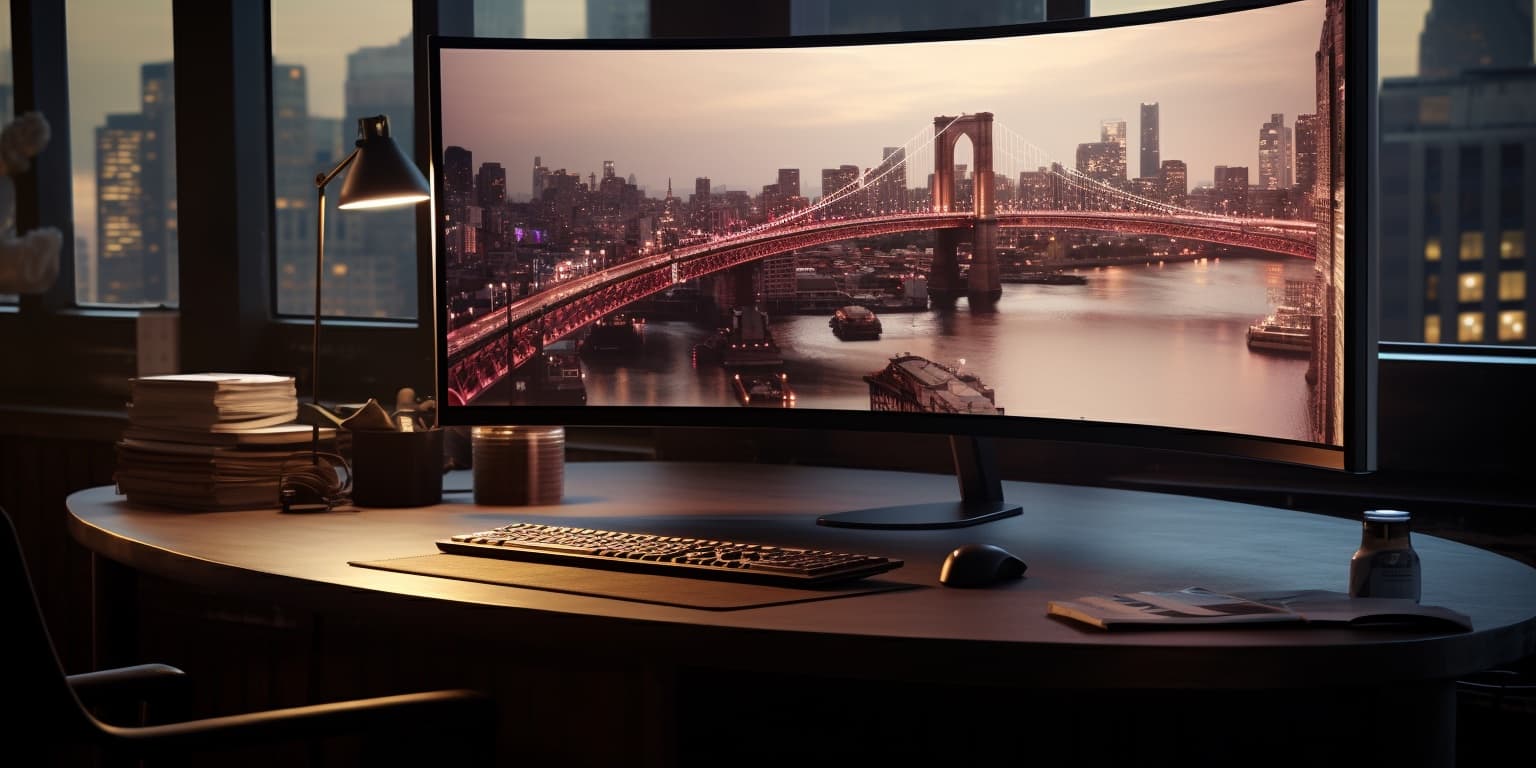
Ultrawide Monitors: Enhancing Your Work and Gaming Experience
Ultrawide monitors have gained immense popularity among professionals and gamers alike in recent years. With their expansive screen real estate, ultrawide monitors offer an immersive and productive experience. In this article, we will explore the benefits and drawbacks of ultrawide monitors, helping you decide whether they are the right fit for your needs.Are Ultrawide Monitors Worth It?
Ultrawide monitors undoubtedly provide a visually captivating experience. The wider aspect ratio, typically 21:9, allows for enhanced multitasking and a cinematic gaming experience. With the ability to view multiple windows side-by-side, professionals can boost productivity by streamlining workflows and reducing the need for dual monitors. These monitors are perfect for content creators, such as graphic designers and video editors, who require ample screen space to work with intricate details. Gamers also benefit from the increased field of view, which can offer a competitive edge in fast-paced games. Watching movies and engaging in other media consumption becomes more immersive and enjoyable with the ultrawide display.GIGABYTE M34WQ 34" Ultrawide


Acer Nitro XV340CK 34" Ultrawide


Dell S3422DWG Gaming 34" Ultrawide


TUF Gaming VG34VQL1B 34" Ultrawide


Why Not to Buy an Ultrawide Monitor?
While ultrawide monitors offer numerous advantages, they might not be the best choice for everyone. One significant consideration is cost. Ultrawide monitors can be pricier than standard monitors, making them less budget-friendly for some users. Additionally, not all software and applications are optimized for ultrawide displays, leading to potential compatibility issues. Another concern is that not all games support the 21:9 aspect ratio, resulting in black bars on the sides or stretched graphics, which can negatively impact the gaming experience. Some users may find the ultrawide format overwhelming, especially if they are used to traditional 16:9 displays.Are Ultrawide Monitors Good for Work?
For professionals in various fields, such as graphic design, video editing, and data analysis, ultrawide monitors can be a game-changer. The extended screen real estate allows for better visualization of intricate details and enables simultaneous access to multiple tools and references. The convenience of not having to toggle between different windows can significantly improve workflow efficiency. Having multiple applications open side-by-side facilitates seamless multitasking, making it easier to compare data, write reports, and collaborate on projects. For creative tasks, the extra screen space enables artists to work on detailed projects without feeling cramped.Is It Better to Have an Ultrawide Monitor or Dual Monitors?
The choice between an ultrawide monitor and dual monitors depends on individual preferences and specific use cases. Ultrawide monitors provide a seamless viewing experience, avoiding the distracting bezels that come with dual monitors. However, some users may prefer the flexibility of dual monitors, allowing them to customize screen arrangements for different tasks. Dual monitors are excellent for multitasking across different applications, as you can allocate specific tasks to each screen independently. This setup is particularly useful for professionals who require extensive data analysis, coding, or video editing. Additionally, dual monitors can be more cost-effective than investing in a high-end ultrawide monitor.Conclusion
Ultrawide monitors offer an impressive viewing experience that can revolutionize your work and gaming setup. Their wide aspect ratio promotes productivity and enhances immersion, making them a compelling choice for professionals and gamers seeking a superior visual experience. Consider your specific needs and budget before making a decision, and be sure to check for software compatibility with ultrawide displays. Whether you opt for an ultrawide monitor or stick with dual monitors, the key is to create a setup that best suits your workflow and entertainment preferences.
For a personalized monitor recommendation based on your unique requirements, don't forget to explore our Monitor Picker. This intuitive tool will help you find the perfect monitor that precisely matches your preferences and enhances your computing experience. Happy computing and gaming!
Ready for a personalized match? Try the Monitor Picker — free recommendations in a couple of minutes.
Product Pickers
Jump To